Step 1
Check the spelling
Usernames change. Confirm the current handle on the shop's website, a business card or a message from the person.
When a story viewer stops loading: how to find the cause, how to test another viewer before you rely on it, and which promises mean you should close the page.


Is there an Instanavigation alternative that works the same way?
Yes, for public accountsBrowser viewers that play public stories by username work the same way across the category. Test any one with a public account you know before you rely on it, and leave any page that asks for a login.
Instanavigation is one of the names people search for when they want public stories without an Instagram login.
Before you switch, check that the account is public, the username is current and the story is under 24 hours old.
Five checks on a public account you know show whether a new viewer is sound.
ProfileScanner is independent and not affiliated with Instanavigation, Instagram or Meta.
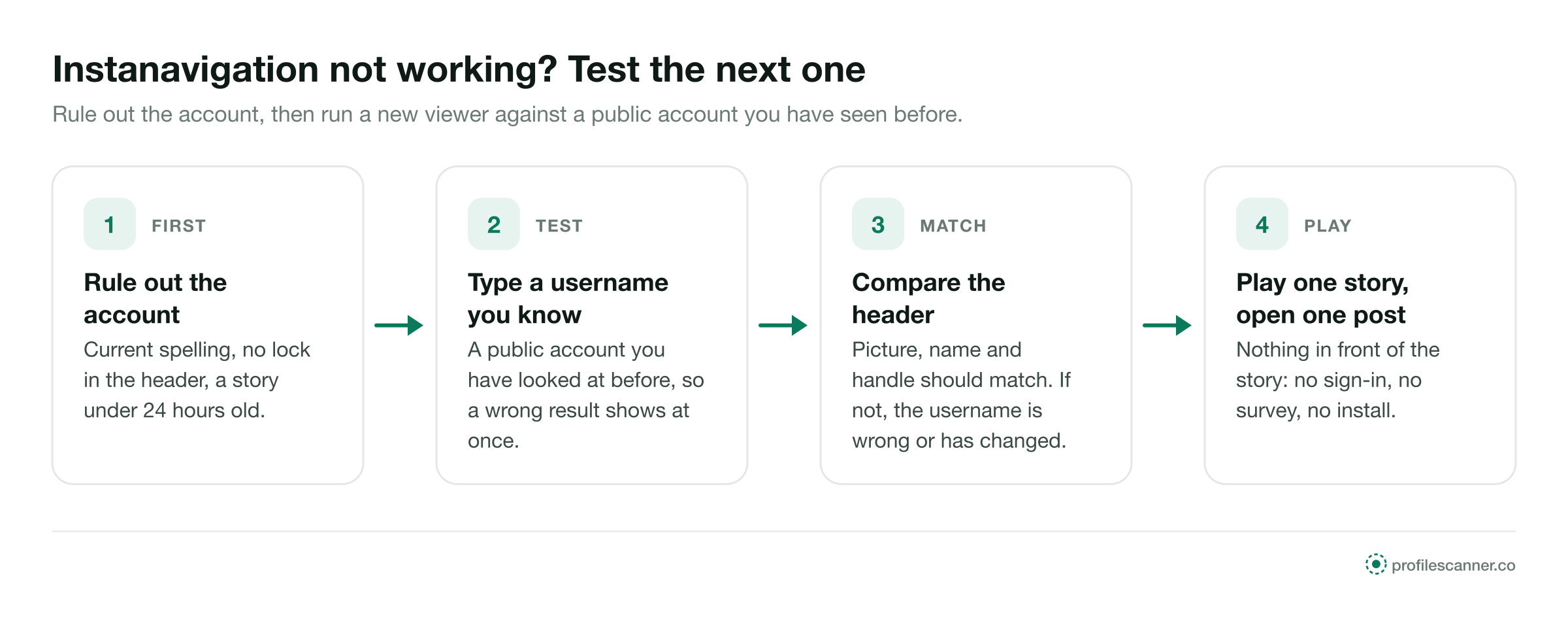
An empty result often starts with the account itself. Work through these four in order.
Usernames change. Confirm the current handle on the shop's website, a business card or a message from the person.
A private account shows its header and a lock to every viewer. Nothing more will load on any site.
Stories leave after 24 hours. If nothing was posted in that window, the circles are empty; look at the highlights instead. What to check while a story still has hours left is covered on the Mollygram alternative page.
If the account is public and has a live story, the viewer is the cause. Open a second browser viewer and type the same username.
Start with a public account whose stories you have seen before. Three steps tell you whether the viewer shows the right thing. The StoriesDown alternative page turns this into a one-minute test.
Pick a public account you have looked at before, so you can tell at once whether the new viewer loads the right content.
The picture, name and handle should match the account. If they do not, the username is wrong or has changed.
A story should start with no sign-in, survey or install in front of it, and the owner's list stays as it was. Posts and reels should then open one by one; if they do, the viewer is ready for the account you came for. Saving a copy of a story is a separate task, covered on the StoriesIG alternative page.
Tick each one the first time you open a viewer. A viewer that passes all five is fit for regular use. If it fails any of them, close the tab and try the next one.
Each option keeps one thing and gives up another. This is where they differ.
Knowing these makes the promises on any viewer page easier to judge.
These lines appear on pages that want something from you. The facts on the right hold for every site.
"Our new version opens private stories"
No version of any viewer can. Instagram sends private content only to followers the owner approved.
"Sign in with Instagram for faster loading"
A public story needs no login. A sign-in form on a viewer page hands your account to the site.
"Install our app to keep watching"
A browser plays public stories on any phone. An app adds permissions you do not need.
"Complete one offer to unlock"
The offer pays the site. The story stays where it was, public or closed.
Each example ends with one of the five checks doing its job.


ProfileScanner is an independent guide. It is not affiliated with Instanavigation, Instagram or Meta, and this page makes no statement about the safety, ownership or status of any other site.
Close it. A public story opens from a username alone, so a password field has no purpose there.
Close it. Every step works in a phone or computer browser.
Close it. Private accounts and Close Friends stories are closed to every viewer.
Short answers to what people ask when a story viewer stops loading.
Type a public username and open the viewer. No Instagram login on your side, no name on theirs.


