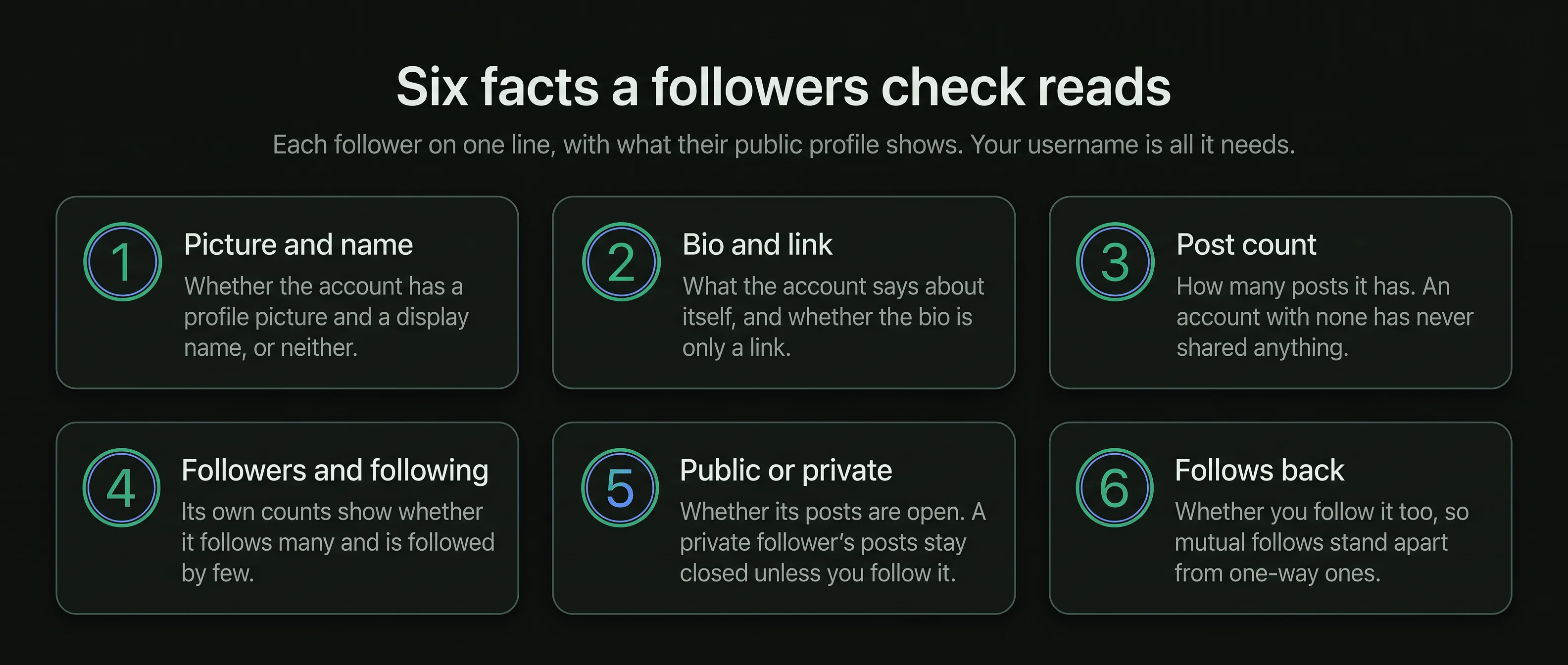

Picture and name
Whether the account has a profile picture and a display name, or neither.
Your follower list in the app is a long scroll. A followers check reads the same public list with each follower's profile beside it, so you can see who follows back, who posts and who has gone quiet, and decide what to do inside the app.

How do you check your Instagram followers?
Read the list with each profile beside itOpen your follower list from your username, and read each follower's public profile: whether they follow you back, whether they post, and whether the account is public or private. Save the reading, so the next one can show who arrived and who left.
Instagram shows your follower count and the list of names, one long scroll with a search box.
Each follower's public profile adds what the list leaves out: posts, counts and privacy.
Saved readings over time show who arrived and who left between them.
Everything a check finds is acted on inside the app, by you. No password is needed.
The app has every name. What it lacks is a way to see the names together with what each account is.
None of this is hidden. It is what any visitor sees on each follower's profile, collected in one place.
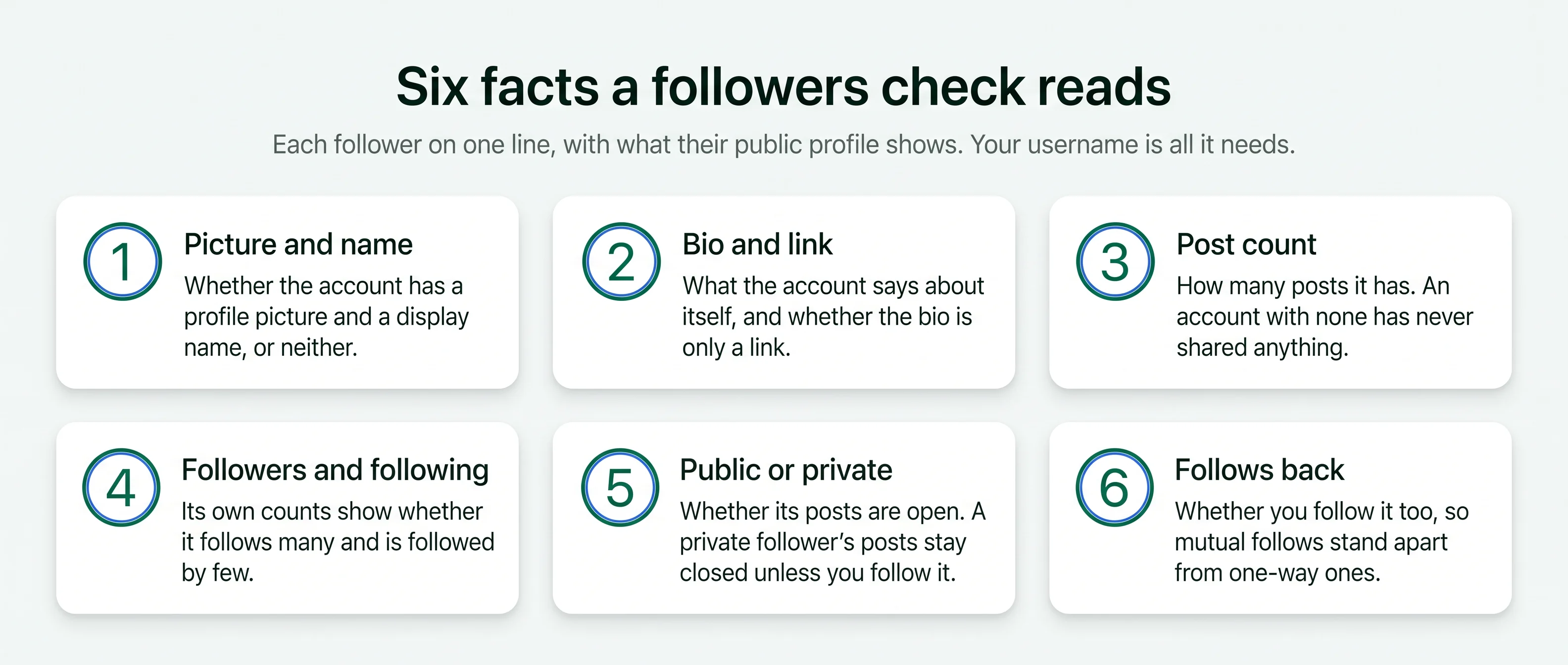
Whether the account has a profile picture and a display name, or neither.
What the account says about itself, and whether the bio is only a link.
How many posts the account has. An account with none has never shared anything.
The account's own counts, which show whether it follows many and is followed by few.
Whether its posts are open. A private follower's posts stay closed unless you follow it.
The same on a phone or a computer. Your username is the only thing you type.
Type your own public Instagram username. Your follower list is public, so no login is needed.
Every follower is read with the public facts from their profile: follows back, posts, counts, public or private.
Sort the list into groups and open the profiles worth a closer look in the app.
Sorted by the public facts above, most follower lists fall into the same five groups. Each one points to a different next step.
Many real people read Instagram and never post. An account with no posts but a picture, a name and a handful of mutual friends is usually a person. The bot followers guide covers the accounts that are not.
Saving each check with its date turns a list into a record of who arrived and who left.
Your follower list as it stands today, each name with its public facts. This reading names nobody who left before it. A second reading a week later, compared by a who unfollowed me check, names the accounts that left.
Names in the new reading and not the old one arrived. Names in the old reading and not the new one left. The who unfollowed me guide covers what a missing name can mean.
Several readings show whether your audience is growing, steady or thinning, and which group the changes came from. Followers that look bought are estimated by an Instagram fake follower check.
Yours, and nothing else
Read from each follower's public profile
The least that shows who left
A check reads and reports. These actions are yours, taken one account at a time in the app.
In your follower list, tap Remove beside the name. Instagram does not tell the person.
Open a follower you know and tap Follow. They receive a notification.
Restrict an account to keep its new comments visible only to itself until you approve them. It is not told.
Set your account to private so future followers need your approval. Current followers stay.
Your follower list is still yours to read. Outside pages cannot read it.
Your follower list opens as usual, with the search box and the Remove option beside each name.
Instagram's Download your information option, in Accounts Center, includes your followers and following lists as a file you can compare by hand. The follower tools on this site make that comparison from your username.
A private account's follower list is shown only to the owner and approved followers. A page that reads it from a username without your login is not telling the truth.


A check reads a public list from a username. A page that wants your login wants your account.
An app that removes or follows accounts for you has to sign in as you, and Instagram limits activity that looks automated. The Instagram bot followers page lists the signs to check before you remove anyone by hand.
Reading your followers changes nothing. Every removal or follow is a tap you make in the app.
Instagram has not documented how it orders the list, and it shows no follow dates on it.
On a public account, the list is public. The follower viewer covers reading it.
Instagram has not published any effect of removing followers. Your count drops by one for each removal.


Short answers to what people ask before they check their own Instagram followers.
Type a public username and open the viewer. No Instagram login on your side, no name on theirs.


